

MGIT 960 Instrument: Operation
ContentThe MGIT 960 is a sensitive instrument to be operated by trained and competent staff. To carry out the liquid culture using this instrument, following steps need to be performed.
Table: Operation of the MGIT 960 Instrument
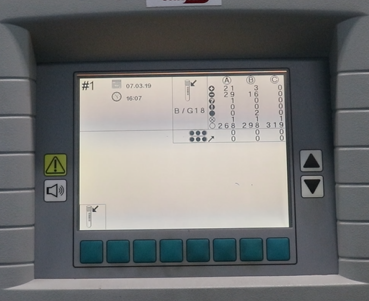
Step 1
To load the tubes, open the desired drawer.
Once the drawer is open, select the desired workflow on the LCD display, in this case, Tube Entry.

Step 2
Scan pre-affixed barcode on tube
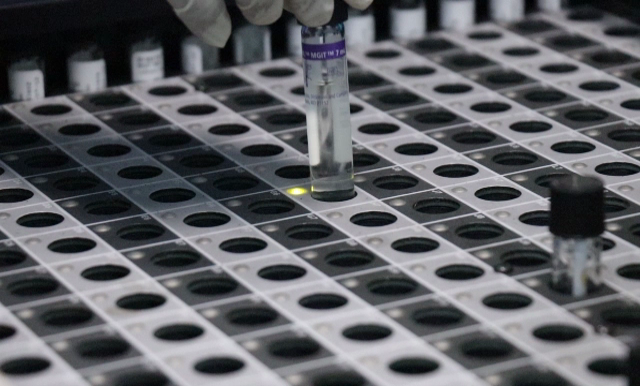
Step 3
Load where indicated by solid green LED light in drawer, and close the drawer.
Now the MGIT 960 system will do all the work.
Step 4
Wait until the MGIT 960 system either flags the tube as positive or negative. After opening the drawer, remove the positives and completed negatives as they occur (icons appear on each drawer) eg press positive that appears on the screen to pull out positive tube from the slot.
Resources
Kindly provide your valuable feedback on the page to the link provided HERE
Fullscreen